


Importing & Sharing
How to import recipes from TikTok
Save a recipe from a TikTok video by sharing it to MyMealVault or pasting the video URL.
TikTok recipe videos work with Import from social on iOS and Android and Paste Recipe Link on web. MyMealVault looks for a recipe in the TikTok caption or a recipe link mentioned in the post.
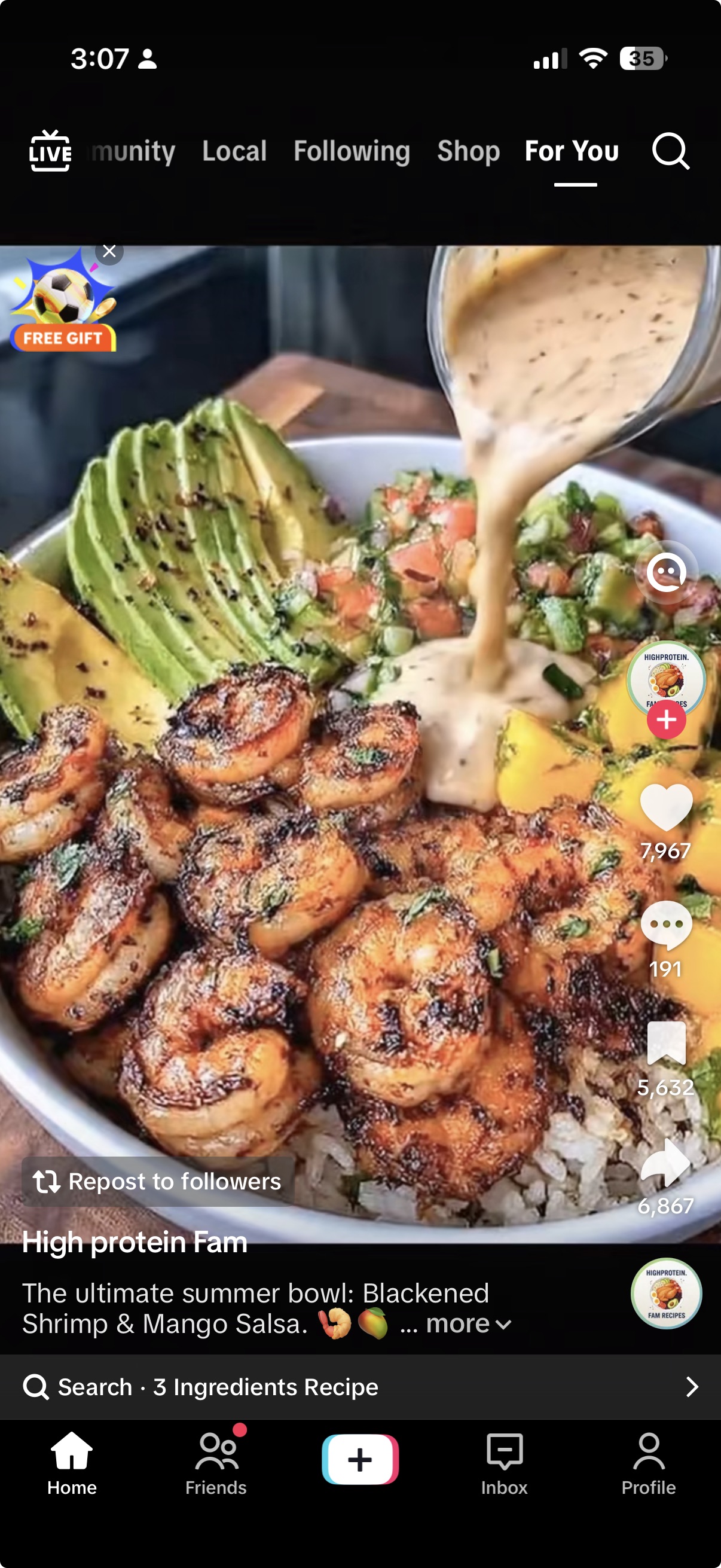
Tap the share icon
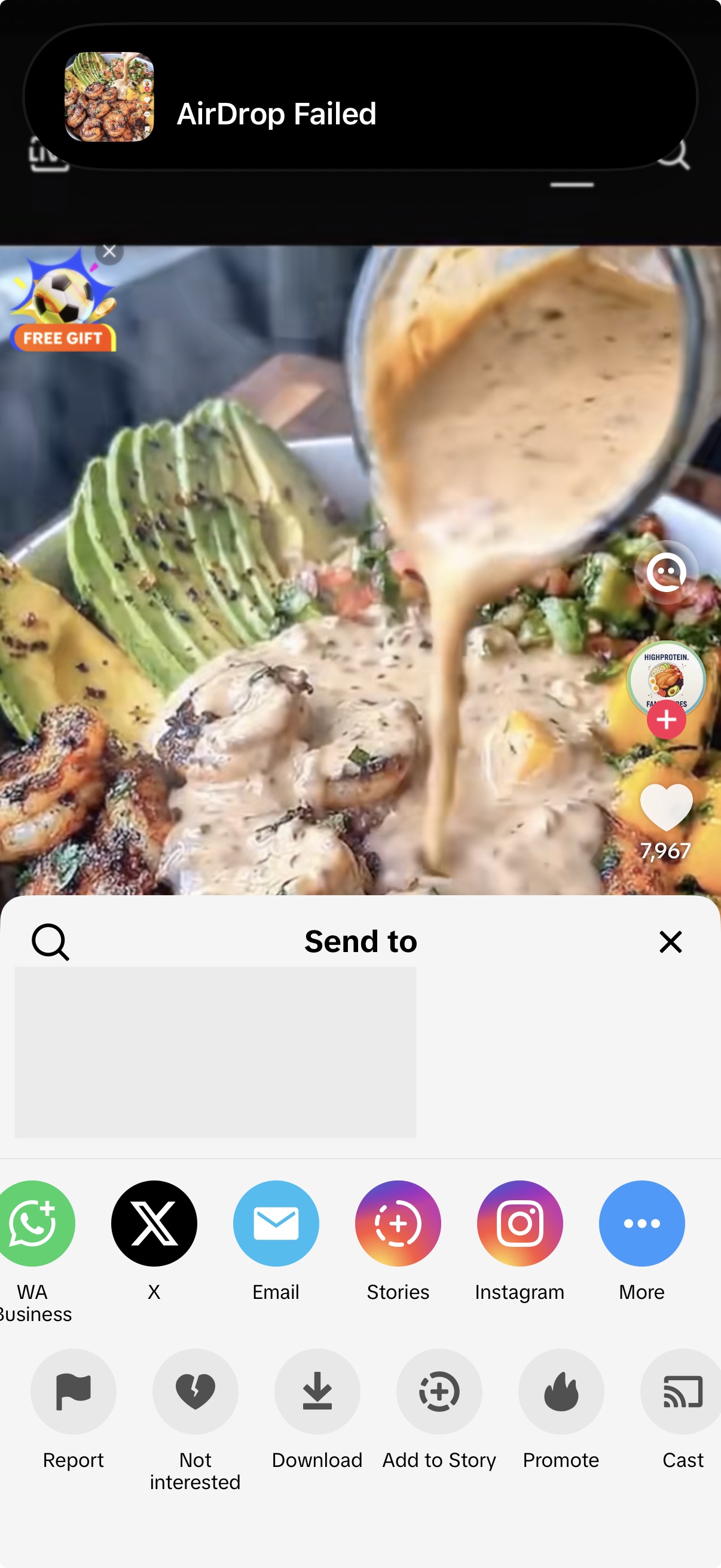
In TikTok, open the recipe video and tap the share icon.Tap MyMealVault
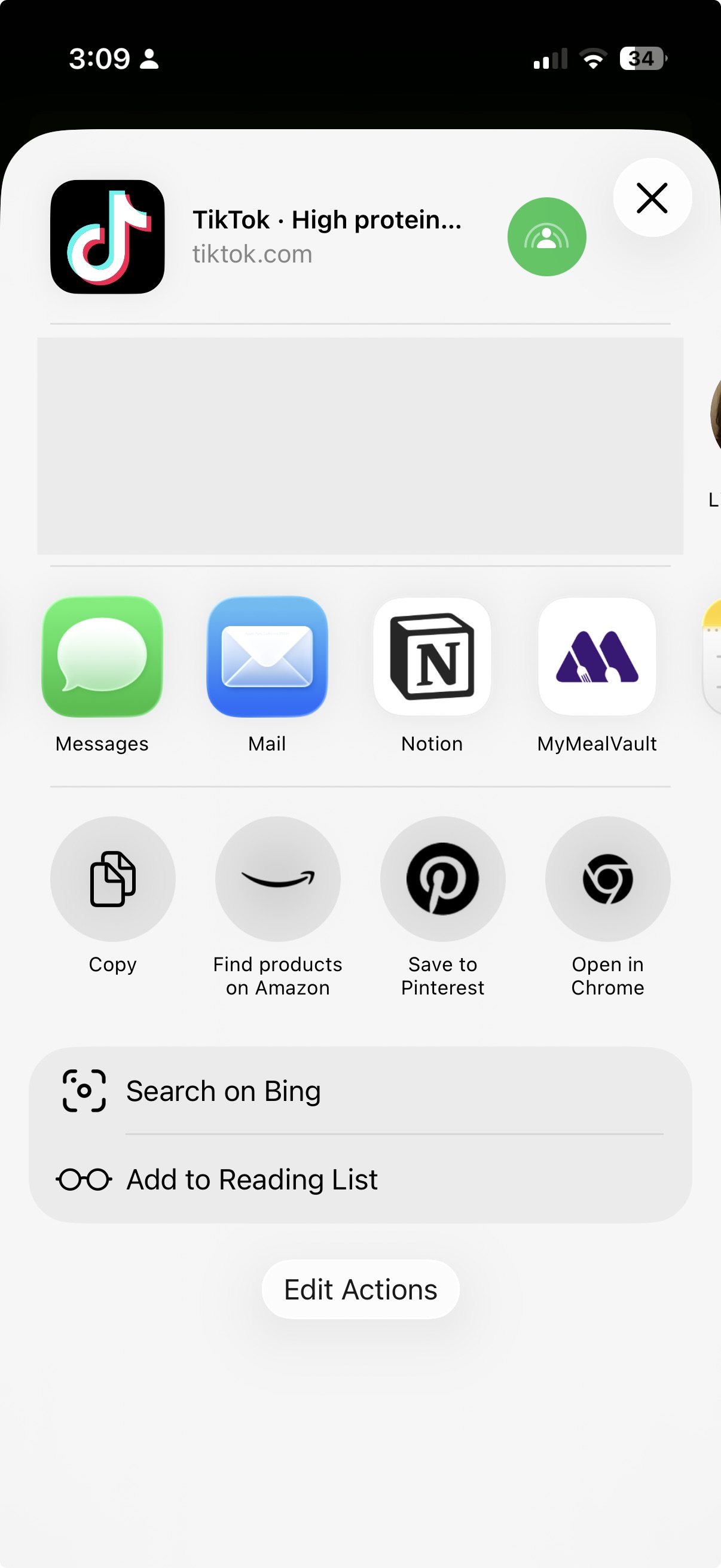
Choose MyMealVault from the share sheet. If you do not see it, scroll through the app options and add it to your favorites.Open MyMealVault
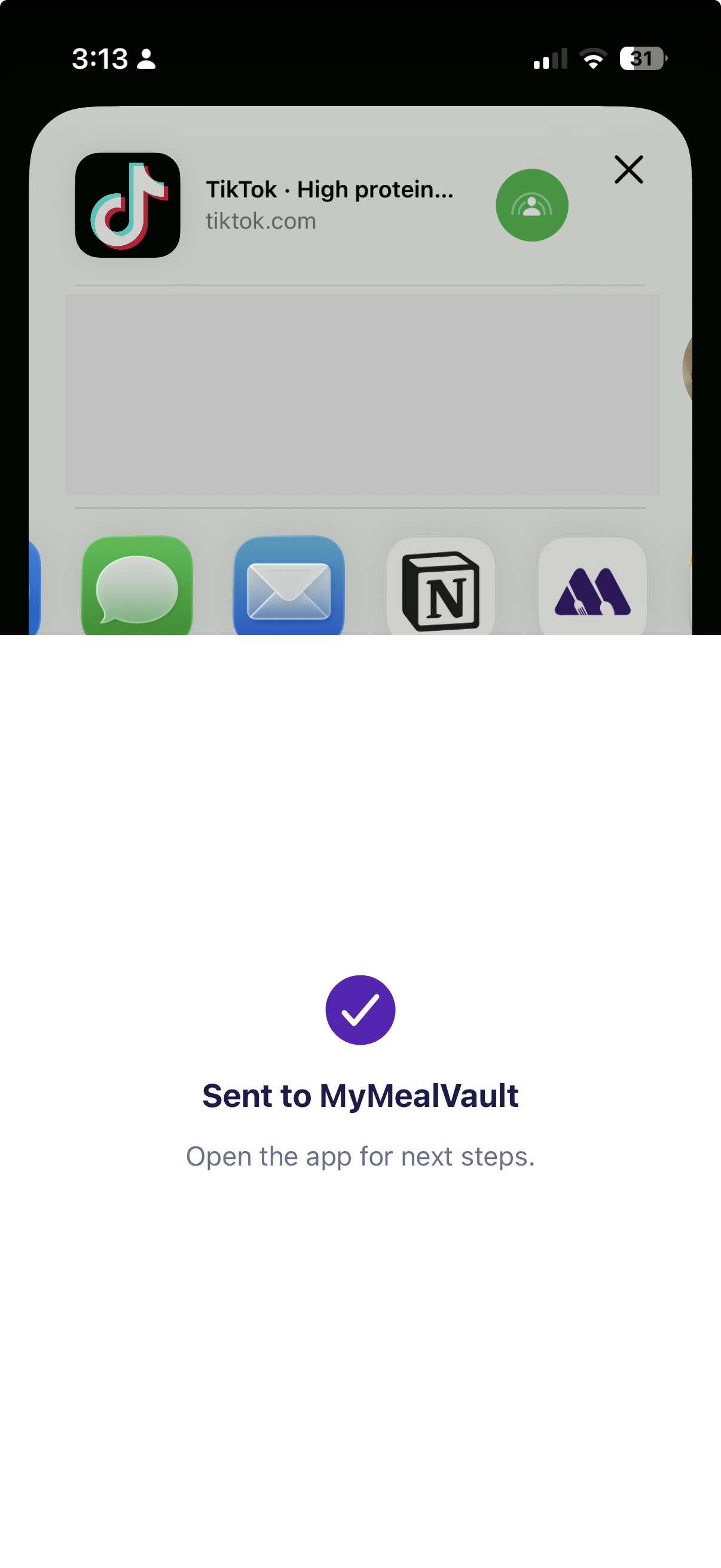
MyMealVault opens the Add Recipe flow and starts looking for a recipe in this TikTok.Add to your vault
When the import is ready, review the recipe and save it to your vault.
Import from TikTok on iPhone
Send the TikTok link to MyMealVault from TikTok's share menu.
Related articles
Still need help?
If you could not find what you were looking for, reach out and we will get back to you.
Contact support