


Importing & Sharing
How to import recipes from Pinterest
Save a recipe from a Pinterest pin by sharing it to MyMealVault or pasting the pin URL.
Pinterest pins work with Import from social on iOS and Android and Paste Recipe Link on web. MyMealVault resolves the pin, looks for the original recipe site, and imports the recipe from that page.
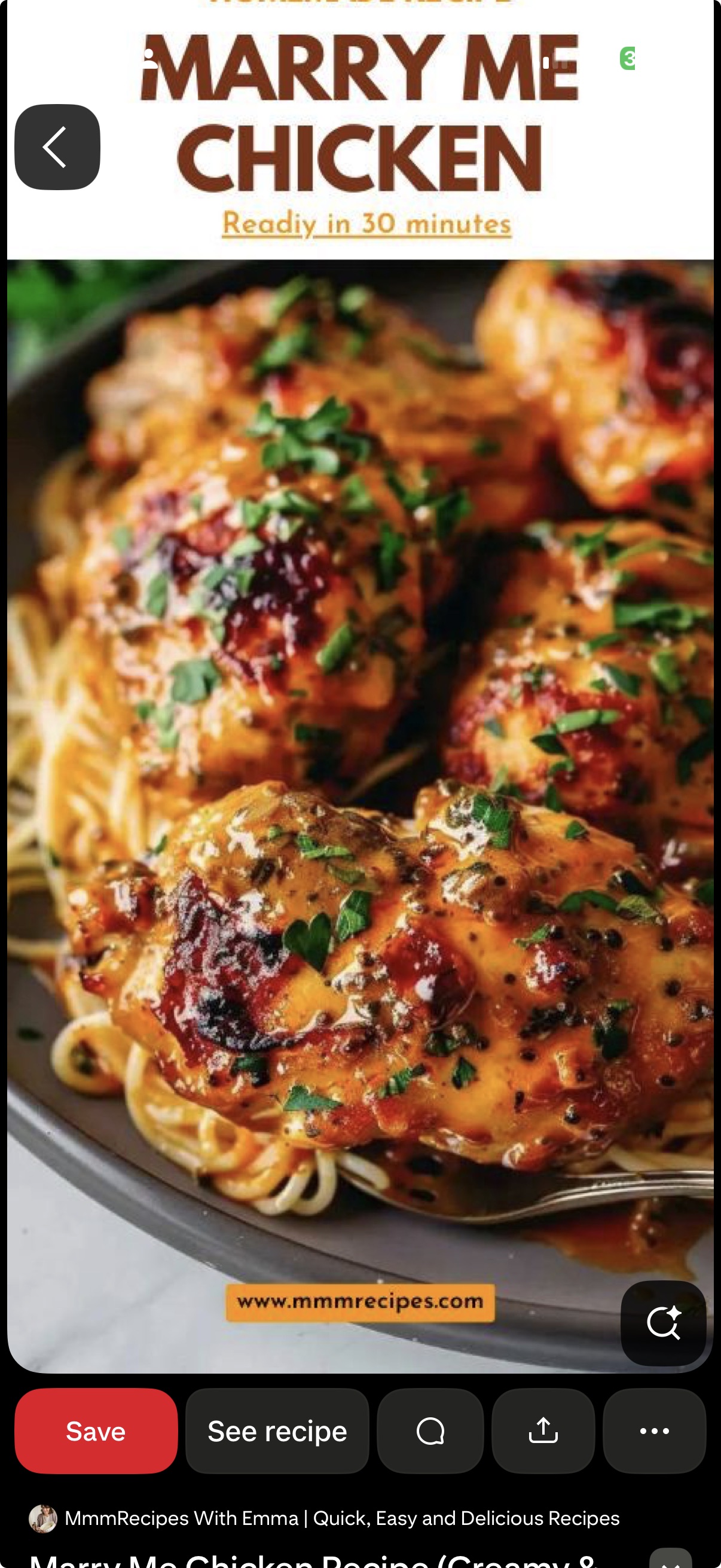
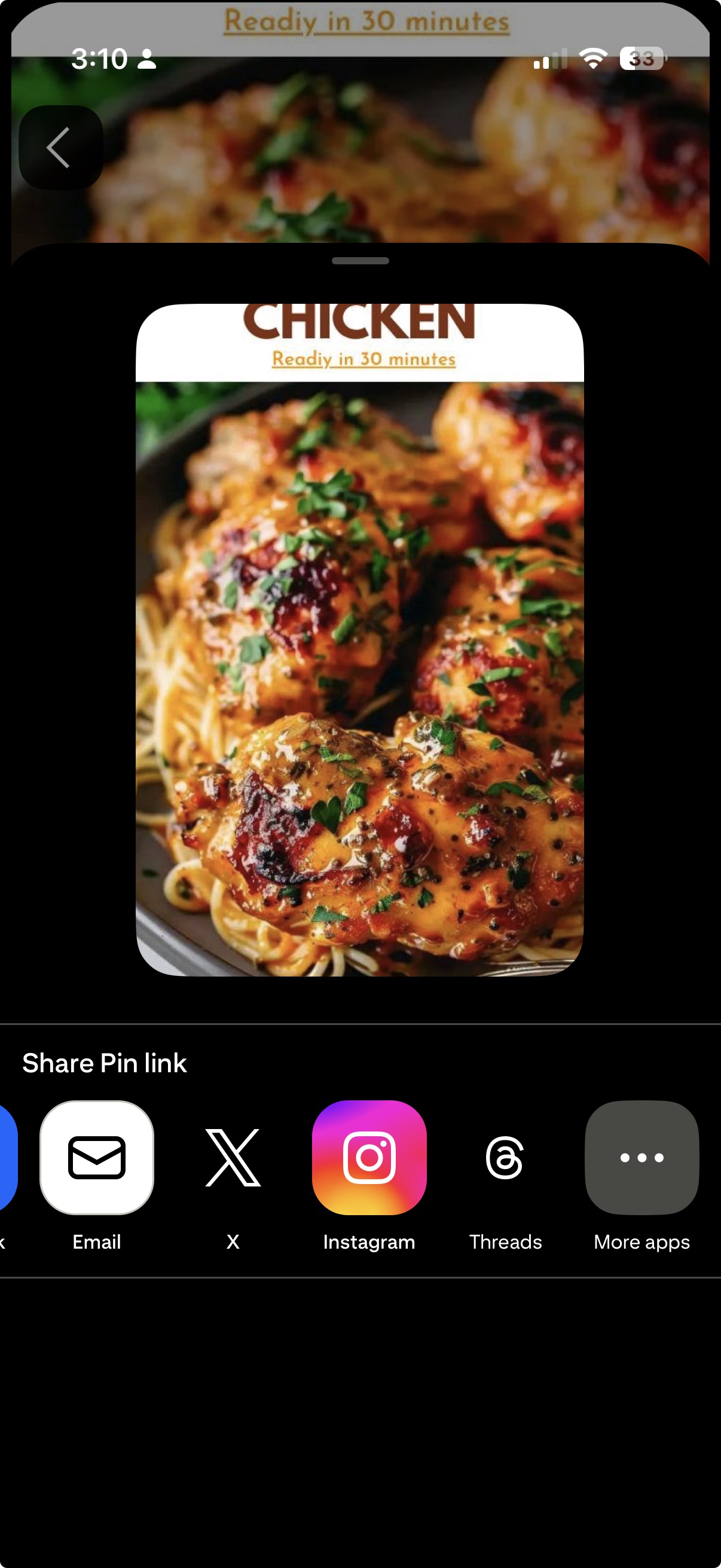
Tap the share icon
In Pinterest, open the recipe pin and tap the share icon.Tap MyMealVault
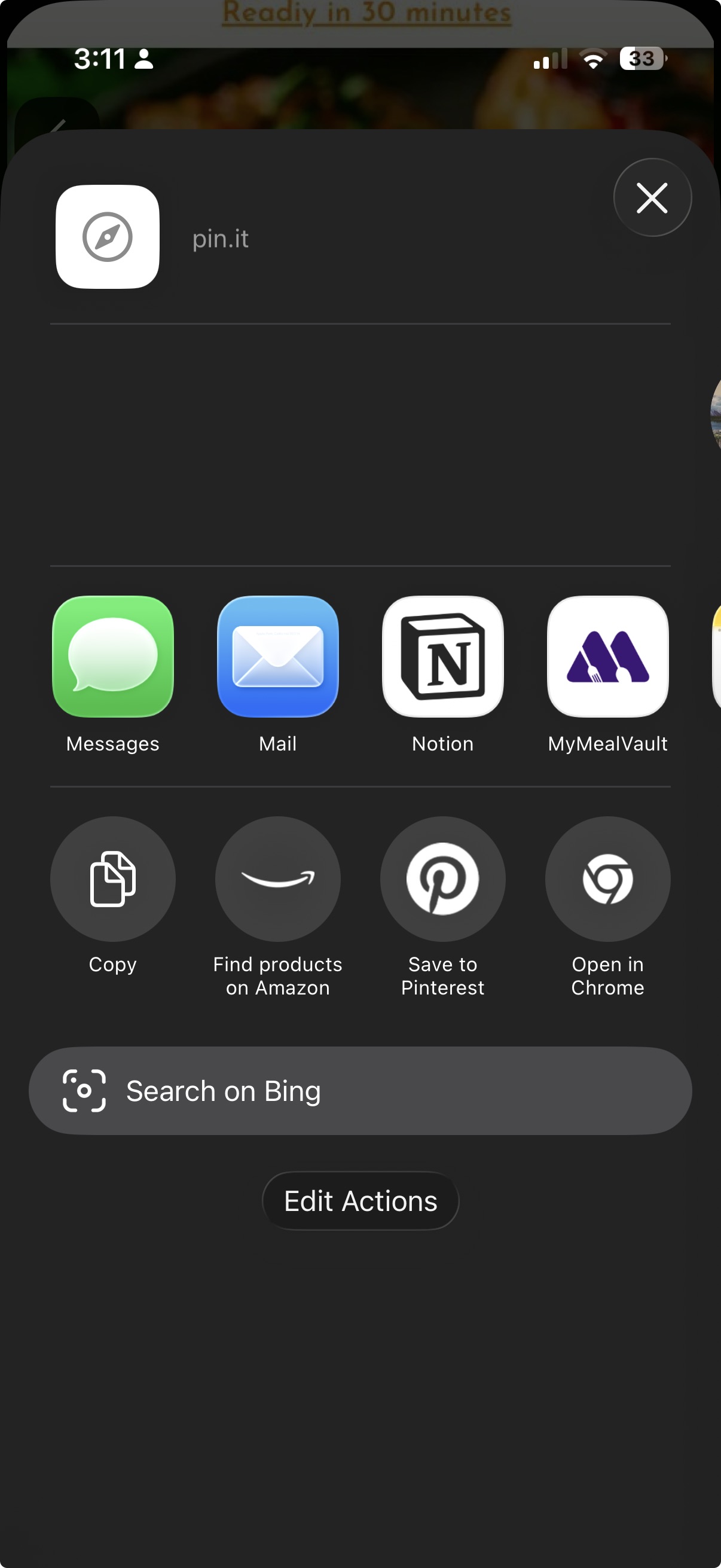
Choose MyMealVault from the share sheet. If you do not see it, scroll through the app options and add it to your favorites.Open MyMealVault
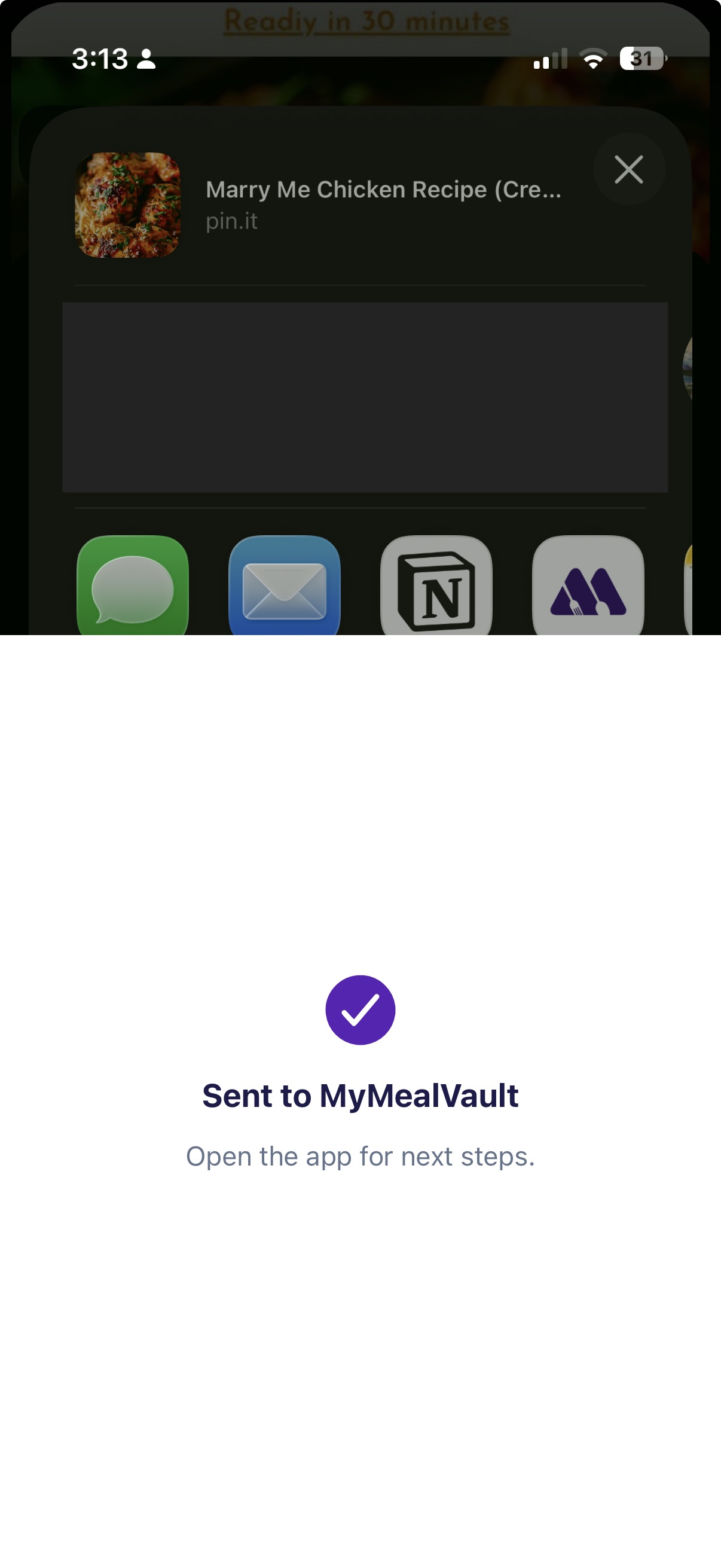
MyMealVault opens the Add Recipe flow and starts resolving the Pinterest pin.Add to your vault
When the import is ready, review the recipe and save it to your vault.
Import from Pinterest on iPhone
Share the pin link to MyMealVault from Pinterest or the iOS share sheet.
Related articles
Still need help?
If you could not find what you were looking for, reach out and we will get back to you.
Contact support